A broken link can kill your SEO and frustrate your visitors. This guide explains everything – how to check for broken links, why they hurt your SEO, and how to fix them in WordPress.
What Is a Broken Link?
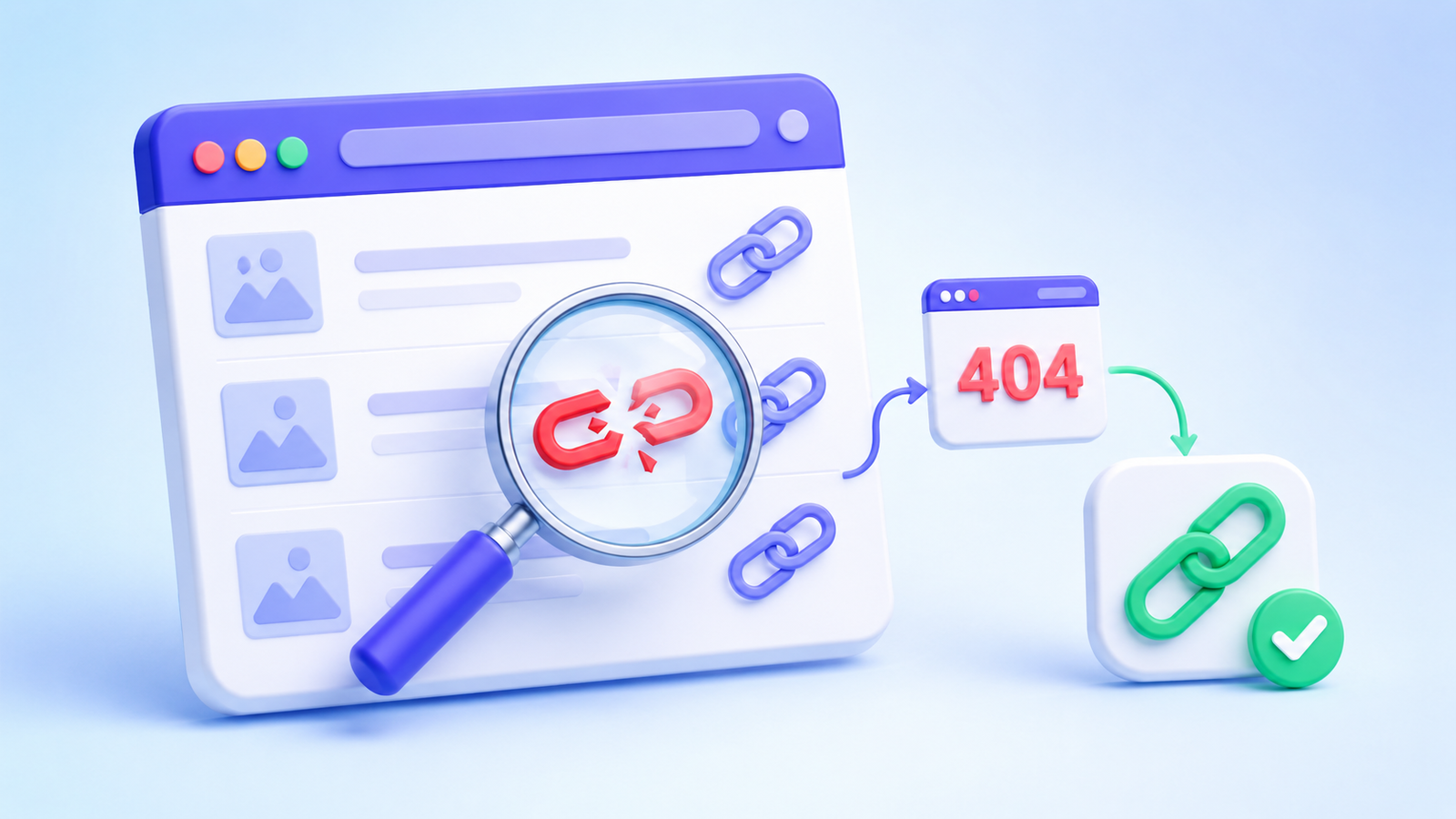
A broken link is a link that leads to a page that no longer exists. When someone clicks it, they see a 404 error page. This can happen with internal links (pages on your own site) or external links (links to other websites).
How Can I Check If a Link Is Broken?
There are several ways to check for broken links:
- Online tools – Enter your URL into a website like BrokenLinkCheck.com or Dr. Link Checker
- WordPress plugins – Install a dedicated broken link checker plugin
- Manual checking – Visit each page and click every link (only for very small sites)
For most WordPress sites, a plugin is the best approach.
Is a Broken Link Checker Free?
Yes, the most popular ones have free versions.
- Broken Link Checker (free) – The original plugin. Works well but can slow down large sites
- WP Links (free) – Lighter alternative
- AIOSEO (paid version) – Includes broken link checking as part of its SEO suite
Free versions usually have limits on how many links they can scan. For larger sites (500+ pages), you might need a paid plan.
How to Check for Dead Links in WordPress
- Install a plugin – Go to Plugins → Add New and search for “Broken Link Checker”
- Run the first scan – The plugin will scan all pages and posts on your site
- Review the report – The plugin will show you all broken links with the option to fix them
The scan can take 5-30 minutes depending on your site size.
How to Fix a Broken Link on a Website
Once you find a broken link, there are three ways to fix it:
- Update the URL – If the page moved, find the new URL and update the link
- Remove the link – If the page no longer exists, delete the link
- Set up a redirect – Create a 301 redirect from the old URL to a new page
In WordPress, you can use a plugin like Redirection or Rank Math to set up redirects without touching code.
Do Broken Links Hurt SEO?
Yes, broken links hurt your SEO.
- Poor user experience – Visitors leave when they hit a 404 page
- Google sees it as a sign of an outdated site – Google wants to show reliable sites to users
- Wasted link equity – Links that point to broken pages lose their value
In short, broken links tell Google your site isn’t well maintained.
How to Fix Broken Image Links in WordPress
Broken image links are images that don’t load.
How to fix them:
- Find the image URL in the broken link checker report
- Check if the image still exists in your Media Library
- If the image is gone, upload a new image and update the URL
- If the image exists but the URL is wrong, correct the URL in the post or page
How to Fix a Broken WordPress Site
A “broken site” is different from broken links. If your site won’t load at all:
- Check the error log – Check your hosting error log for clues
- Disable plugins one by one – A plugin conflict could be the cause
- Switch to a default theme – See if your theme is causing the issue
- Check your .htaccess file – Try renaming it to see if that solves it
What Happens If a Link Is Broken?
When a link is broken:
- The user sees a 404 “Page Not Found” error
- The user might leave your site and go to a competitor
- Google sees the error as a negative signal for your site quality
One broken link is not a disaster. But dozens of broken links across your site will hurt your rankings.
How to Verify Broken Links
After fixing a broken link, you need to verify that it’s actually fixed:
- Click the link manually from the front-end
- Run the broken link checker plugin again
- Check Google Search Console for any 404 errors that persist
Search Console will take a few days to update, so manual testing is faster.
Best Broken Link Checker Plugins in 2026
| Plugin | Free / Paid | Best For |
|---|---|---|
| Broken Link Checker | Free | Small to medium sites |
| AIOSEO | Paid ($49/year) | Full SEO toolkit with link checking |
| Rank Math | Paid ($59/year) | SEO plugin with built-in link checker |
| WP Links | Free + Pro | Lightweight alternative |
Final Tips
- Run a broken link scan at least once a month
- Pay special attention to external links – sites change URLs often
- Use 301 redirects for pages that move permanently
- Monitor Google Search Console for 404 errors – they show you broken links Google found
- For larger sites (1000+ pages), consider a dedicated tool like Screaming Frog instead of a plugin
Need Help Fixing Broken Links on Your Site?
If you have too many broken links or your site is full of 404 errors, I can help.
Get a free estimate within 24 hours for your specific issue.
Send me:
- URL of your site
- How many broken links you have (if you know)
- What you have tried so far
I will look at your site and tell you exactly what needs to be fixed and how much it will cost.
If I am fully booked, one of our WordPress developers will step in to help you.
No obligations. Just an honest assessment.
24-hour response time. Serious inquiries only.