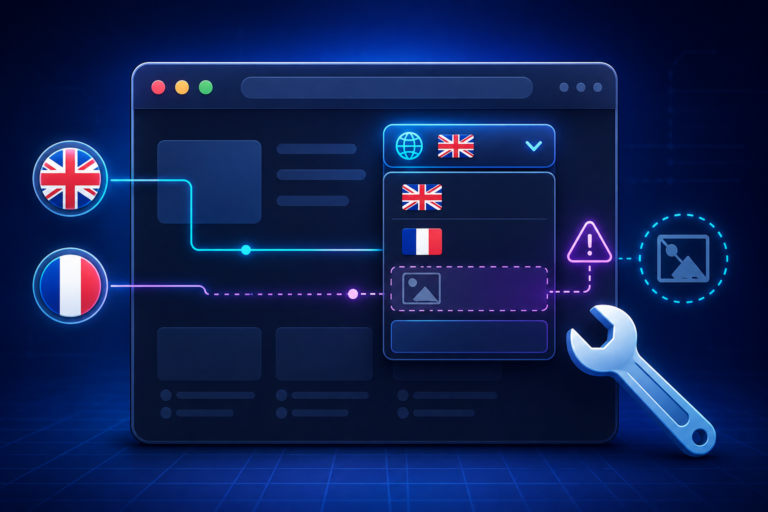
You added a custom shortcode to place the Polylang language switcher exactly where you want it in your header. Instead, it shows up twice: once at the top of the page, and again wherever you placed the shortcode. This is a one-line fix, but the cause trips people up because the symptom looks like a duplicated function call when it’s actually something else entirely.
Why the Switcher Duplicates
The root cause is pll_the_languages(). By default this function echoes its output directly to the page rather than returning it as a string. If you wrap it in a shortcode function without accounting for that, here’s what happens:
function switcher() {
    $message = pll_the_languages( array( 'hide_current' => 1 ) );
    return $message;
}
add_shortcode( 'switcher_shortcode', 'switcher' );
When WordPress processes this shortcode, pll_the_languages() prints the switcher immediately, wherever WordPress happens to be executing at that moment (often before the page content has even started rendering). Then the shortcode function returns $message, which is empty or null since nothing was actually captured, but WordPress still outputs the shortcode’s return value at the tag’s location. Depending on the theme, you can end up with the print firing at the top of the page and the shortcode’s own placement rendering an empty or duplicated block.
The Fix: One Parameter
pll_the_languages() accepts an echo argument. Set it to 0 and the function returns the HTML as a string instead of printing it:
function switcher() {
    return pll_the_languages( [
        'hide_current' => 1,
        'echo'         => 0,
    ] );
}
add_shortcode( 'switcher_shortcode', 'switcher' );
That’s the entire fix. No duplicate output, no stray markup at the top of the page.
Alternative: Output Buffering
If you’re chaining this with other functions that don’t support an echo parameter, wrap the call in an output buffer instead:
function switcher() {
    ob_start();
    pll_the_languages( array( 'hide_current' => 1 ) );
    return ob_get_clean();
}
add_shortcode( 'switcher_shortcode', 'switcher' );
This captures whatever would have been printed and hands it back as a string, which works even for functions that don’t expose an echo toggle.
A More Complete Shortcode
If you want flags, names, and a wrapper element you can style directly, use this version:
function custom_polylang_langswitcher() {
    $output = '';
    if ( function_exists( 'pll_the_languages' ) ) {
        $args = [
            'show_flags' => 1,
            'show_names' => 1,
            'echo'       => 0,
        ];
        $output = '<ul class="polylang_langswitcher">' . pll_the_languages( $args ) . '</ul>';
    }
    return $output;
}
add_shortcode( 'polylang_langswitcher', 'custom_polylang_langswitcher' );
Drop this in your child theme’s functions.php and use [polylang_langswitcher] anywhere: in a template, a widget, or directly in a page.
The Underlying Lesson
Any time you’re wrapping a Polylang (or WordPress core) function that’s built to echo inside something that needs to return a string, check for an echo parameter first before assuming you have a logic bug. It’s an easy thing to miss when you’re mid-project and the symptom (duplicated output) doesn’t obviously point at “this function prints instead of returning.” Once you know to look for it, it takes seconds to fix.