You set up Polylang, uploaded flags for every language, checked the admin panel, and everything looked right. Then you open the front end and the Polylang Language Switcher is either empty or missing entirely. This is one of the most common Polylang problems, and it almost always comes down to one of five causes.
1. Caching Is Serving an Old Version of the Page
This is the number one cause. If you run WP Rocket, W3 Total Cache, LiteSpeed Cache, or a CDN like Cloudflare, the cached HTML may have been generated before the flags loaded correctly, or a JS minifier may be stripping the switcher markup.
How to fix it:
- Clear your caching plugin’s cache.
- Purge the CDN cache separately (Cloudflare has its own cache layer).
- If you’re on a host with server-level caching (LiteSpeed servers like GreenGeeks are a common example), clear that too.
- Reload the page in an incognito window to rule out browser cache.
If the switcher reappears once caching is off, the fix isn’t “leave caching off.” Whitelist the switcher’s HTML elements in your caching plugin’s exclusion settings instead, or exclude the header from JS minification.
2. The Flag Image Files Are Missing or Have Bad Permissions
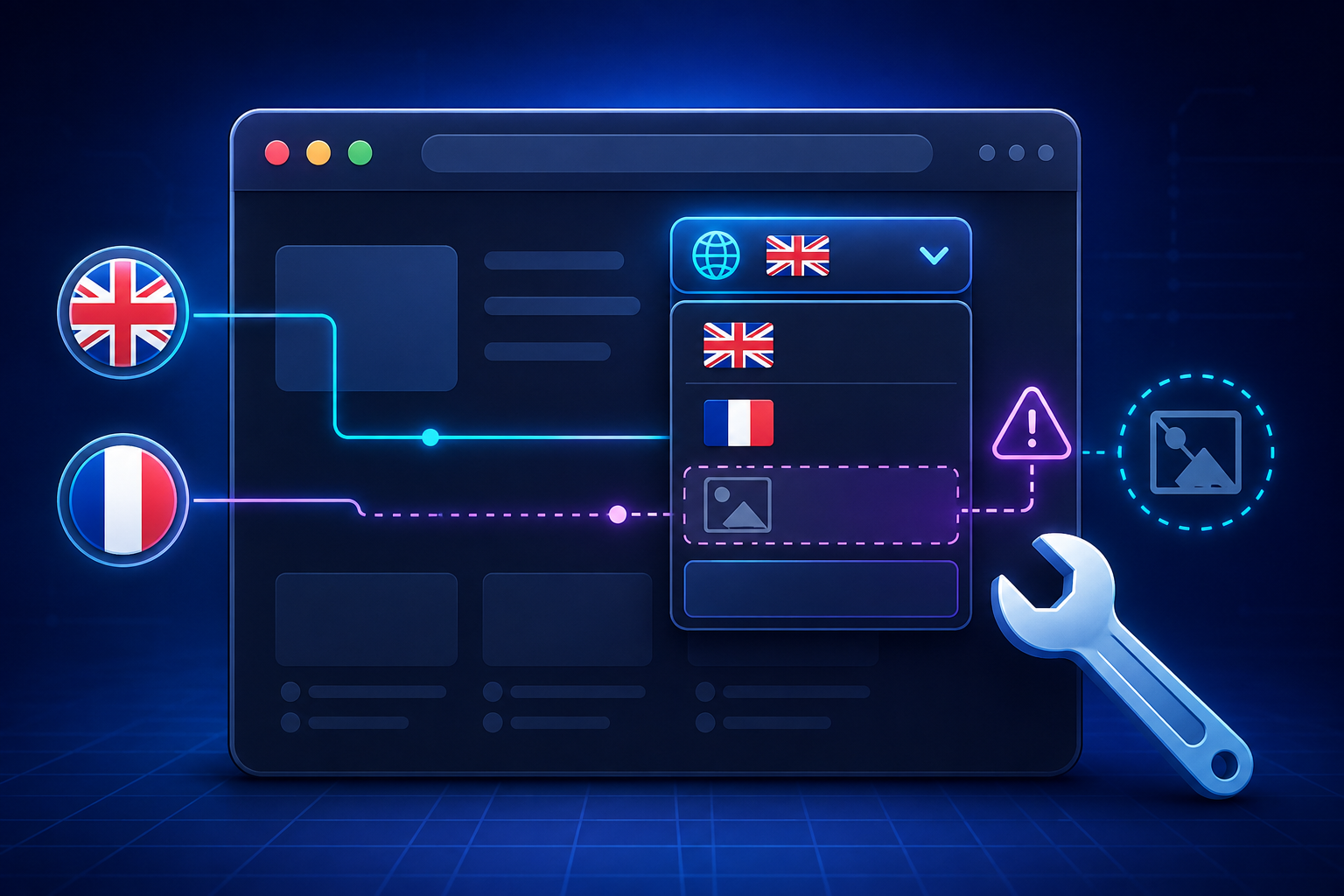
Polylang stores flag images in /wp-content/polylang/. If a flag file was deleted, never uploaded, or has restrictive file permissions, it simply won’t render, and depending on your theme, the empty <img> tag can collapse the whole switcher item.
How to fix it:
Go to Languages → Languages in your WP admin and re-upload the flag for each language. Stick to PNG for the most reliable cross-theme compatibility. SVG works too, but see the base64 issue below if you go that route.
3. Inline Width/Height Styles Are Fighting Your Theme’s CSS
Polylang adds an inline style to each flag image, something like style="width: 16px; height: 11px;". Some themes apply their own image rules with higher specificity, and the two rulesets conflict in a way that makes the flag render at 0px or gets hidden entirely.
How to fix it: add this to your child theme’s stylesheet:
.polylang-langswitcher img {
    width: auto !important;
    height: auto !important;
    max-width: 24px;
}
4. SVG Flags Encoded as Base64 Aren’t Rendering
Some themes choke on SVG flags served as base64 data URIs, particularly older or heavily customized themes. If you’re using SVG flags and they’re the ones going missing (while other elements on the page render fine), this is worth testing.
How to fix it: switch the flags to PNG format in Languages → Languages. If you specifically need SVG for crispness at larger sizes, you’ll need a filter-based override (see below) rather than relying on the default output.
5. No Published Content Exists Yet in That Language
This one catches people off guard because it’s not a bug, it’s expected behavior. Polylang hides a language from the switcher entirely if there’s no published post or page in it yet. If you’ve only just added a language and haven’t translated anything, don’t expect it to show up.
How to fix it: publish at least one piece of content in that language, even a placeholder page, and the switcher will pick it up.
Add a Text Fallback So Flags Never Break the UX
Even after fixing the root cause, it’s good practice to make sure the switcher degrades gracefully. This shortcode shows language names alongside flags, so if an image ever fails to load, visitors still see “EN” or “FR” instead of a blank box:
function custom_polylang_langswitcher() {
    if ( function_exists( 'pll_the_languages' ) ) {
        $args = [
            'show_flags' => 1,
            'show_names' => 1,
            'echo'       => 0,
        ];
        return '<ul class="polylang_langswitcher">' . pll_the_languages( $args ) . '</ul>';
    }
    return '';
}
add_shortcode( 'polylang_langswitcher', 'custom_polylang_langswitcher' );
Full Control Over Flags: the pll_custom_flag Filter
If you need to serve your own flag files from a custom path, or fix the base64/SVG issue at the source, use the pll_custom_flag filter. Add it as a must-use plugin (/wp-content/mu-plugins/) rather than in functions.php, since a theme update will wipe out anything sitting in functions.php:
add_filter( 'pll_custom_flag', 'my_pll_custom_flag', 10, 2 );

function my_pll_custom_flag( $flag, $code ) {
    $flag['url']    = content_url( "/polylang/{$code}.svg" );
    $flag['width']  = '';
    $flag['height'] = '';
    $flag['src']    = '';
    return $flag;
}
Quick Diagnostic Checklist
- View page source, search for
pllorlangswitcherto confirm the markup is actually there. - If the markup exists but nothing shows, it’s CSS or caching, not a Polylang bug.
- Temporarily disable your caching plugin and reload.
- Confirm each language has at least one published post or page.
- Re-check flag files exist in
/wp-content/polylang/with correct permissions.
Most “disappearing switcher” cases are caching or CSS specificity, not Polylang itself. Work through the list in order and you’ll usually find the culprit in the first two steps.
Still Having Issues?
If you’ve worked through this entire checklist and your language switcher is still broken, you’re not alone. Some issues go deeper than caching or CSS, especially when you’re dealing with custom themes, complex Elementor headers, or sites that have been migrated from WPML.
Here’s what I can help you with:
✅ Custom shortcode implementation for any theme
✅ Elementor + Polylang integration fixes
✅ Full multilingual SEO setup (hreflang, sitemaps, meta tags)
✅ Performance optimization for multilingual sites
✅ Migration from WPML to Polylang
✅ Custom CSS styling that works with your theme
🚀 FREE 15-Minute Consultation
I’m a certified Polylang developer with 8+ years of WordPress experience.
If you’re stuck and need this fixed fast, I’m offering a free 15-minute consultation call to diagnose your specific issue. No obligation — if I can’t help, I’ll point you in the right direction.
Just send me a message with:
-
Your site URL
-
A brief description of the problem
-
What you’ve already tried
I’ll get back to you within 24 hours with a clear diagnosis and a fixed-price quote to resolve it.
Why Work With Me?
| 🏆 8+ years WordPress development | 🏆 Certified Polylang developer |
| 🌍 100+ multilingual sites built | ⚡ 24-hour response time |
| 🔧 Fixed-price quotes — no surprises | 📞 Free initial consultation |
Don’t waste another hour troubleshooting. Let me handle it while you focus on growing your business.
Click Here to Book Your Free Consultation