

What is Slider Revolution?
Slider Revolution by ThemePunch is the best-selling premium WordPress slider plugin, with a history as one of CodeCanyon’s most successful plugins ever. It has evolved significantly from its origins as a simple image slider into a full-featured visual editor for creating hero sections, carousels, web page modules, content sections, and interactive content — all within a single plugin. Over 250 professionally designed templates cover landing pages, hero sections, sliders, video backgrounds, coming soon pages, and full-screen presentations.
Slider Revolution’s editor uses a timeline-based animation system with frame-level control over each layer’s entry, main state, and exit animations. This granularity enables sophisticated animated sequences — text that typewriters onto the screen, images that parallax-scroll at different rates, buttons that pulse on hover — that go well beyond what other slider plugins offer. Add-ons extend capabilities with particle effects, scroll-based animations, before-and-after comparisons, 404 page modules, weather widgets, and social media feeds.
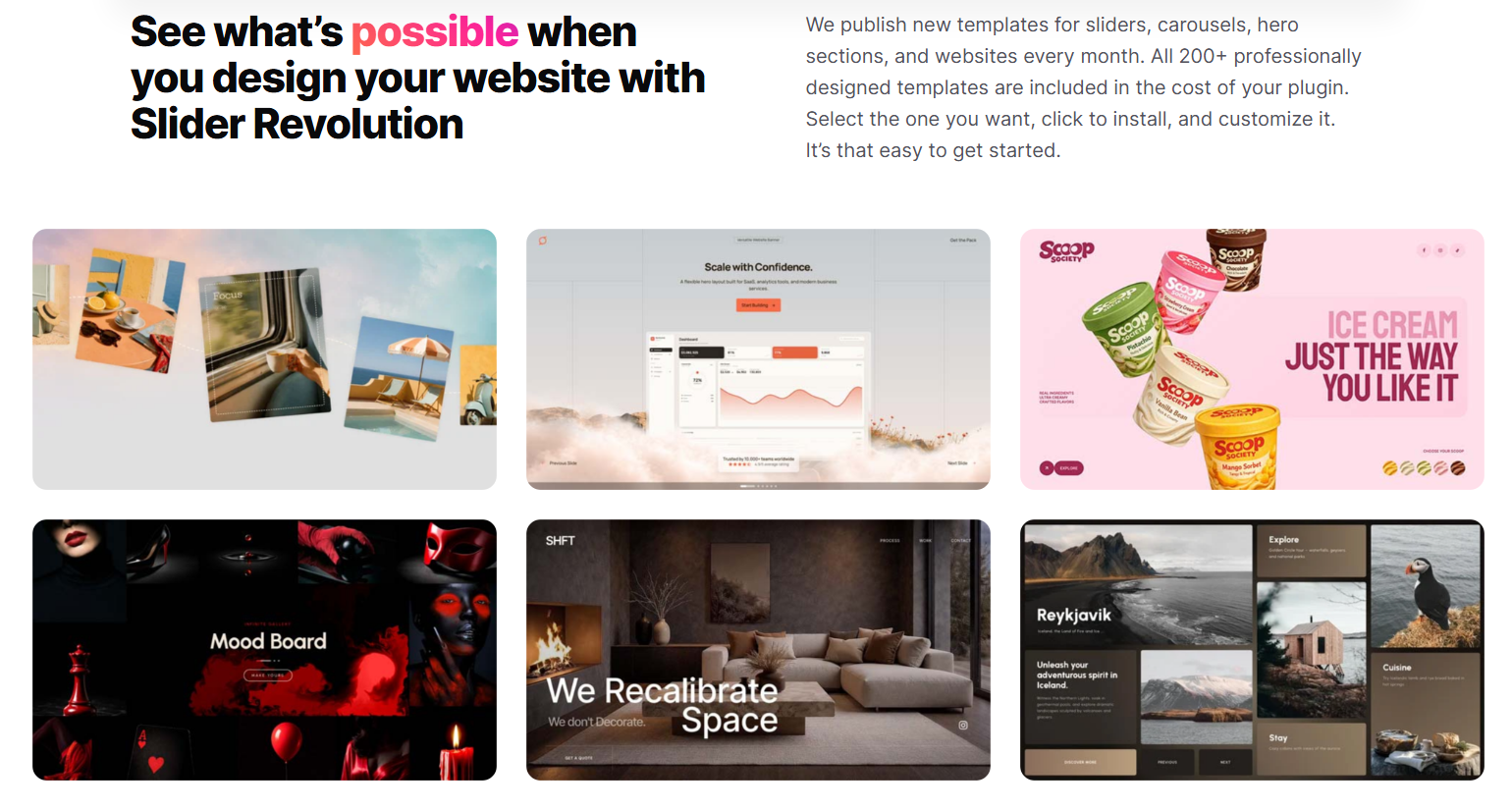
Pricing starts at $29/year for a single site on the Starter plan, with regular plan at $49/year for a single site and Extended at $79/year. This is significantly more affordable than its CodeCanyon era pricing, making it accessible for standard WordPress projects. For sites where visual impact and animation quality are primary differentiators — agency portfolios, product launches, event sites — Slider Revolution provides a level of creative sophistication that requires dedicated development time to match without it. The learning curve is steeper than Smart Slider 3, and the impact on page load performance requires careful optimization with its lazy loading and media compression settings.
Slider Revolution Key Features
- Timeline-based animation editor with frame-level layer control
- 250+ professionally designed importable templates
- Content types: image sliders, video sliders, hero sections, carousels, content modules, full-page sections
- Dynamic content: WordPress posts, WooCommerce products, social media feeds
- Add-ons: particles, scroll transitions, before/after, weather, social media, 404 pages
Slider Revolution Pros & Cons
Pros
- Most sophisticated animation and effects system of any WordPress slider plugin
- 250+ professional templates eliminate design from scratch for complex hero sections
- Dynamic content from posts and WooCommerce keeps sliders automatically updated
Cons
- Steepest learning curve of major slider plugins — timeline animation editor takes time to master
- Can significantly impact page load performance if not configured with lazy loading and media optimization
Slider Revolution Free vs Premium
No free version. Starter ($45/year, 1 site): full features, all templates, all add-ons. Enthusiast ($89/year, 3 sites): same features, 3-site license. Scale ($209/year, up to 250 sites): built for agencies, includes fair-use ramp-up on site activations. Check sliderrevolution.com for current pricing.
Common Slider Revolution Problems & Fixes
Slider Revolution is significantly slowing down my site — PageSpeed Insights shows it as a major bottleneck. How do I optimize it?
Slider Revolution’s performance impact comes from its scripts, styles, and media. Optimization steps: (1) in Slider Revolution → Global Settings → Performance, enable “Use Lazy Loading” — this delays loading media until the slider is about to enter the viewport; (2) use the built-in Image Optimizer to compress images within the slider; (3) enable “Load JS in Footer” to defer script loading; (4) use the “Stop Creating Unused CSS” option to reduce stylesheet size; (5) if the slider is below the fold, implement JavaScript deferral for Slider Revolution scripts via your performance plugin’s deferral settings; (6) compress all video backgrounds to reduce file size significantly.
Slider Revolution animations are not playing in the editor preview but work on the frontend (or vice versa). How do I troubleshoot preview inconsistencies?
Preview behavior in the Slider Revolution editor sometimes differs from the frontend due to: (1) browser console errors in the editor environment — check DevTools Console during editor preview; (2) the editor preview uses different CSS context than the frontend — theme styles and third-party plugins may interact with slider animations differently in page context; (3) animation timing is affected by preview zoom level in the editor — test at 100% zoom; (4) browser extensions (particularly ad blockers or privacy tools) may block certain Slider Revolution features in the editor environment but not on public pages.
A Slider Revolution template imported from the template library is not displaying correctly — images are broken or layout is distorted. How do I fix imported templates?
Template imports include placeholder media that must be replaced with your own images. In the slider editor, click each layer with a broken image and replace the placeholder image with your own from the media library. Layout distortion usually occurs when: (1) your site’s content width is significantly narrower than the template’s designed width — resize the slider to match your content width in Global Slider Settings; (2) the template uses specific fonts not loaded on your site — verify Google Fonts referenced in text layers are loading; (3) add-on features used by the template are not installed — check for missing add-on warnings in the slider editor.
Slider Revolution Customization
How do I create an animated hero section with a video background using Slider Revolution?
In Slider Revolution → Create New Slider, add a new slide. In the Slide settings → Background, set type to “Video” and upload or link your video file (Vimeo, YouTube, or self-hosted MP4). Video backgrounds auto-play muted on all modern browsers. Add text layers over the video: create a Heading layer, a Paragraph layer, and a Button layer. Position them on the canvas with drag-and-drop. In the Animation panel, set entrance animations for each layer — stagger the start times by 200-300ms for a sequential reveal effect. Enable the “Parallax” effect on the video background for depth.
How do I create a WooCommerce product carousel using Slider Revolution?
In Slider Revolution, create a new slider and set the source to “WooCommerce Products” as a Dynamic Generator. Configure filters: product categories, featured products, sale products, etc. Design the slide template with dynamic tags: [rev_slider_vc alias=”product”] shortcode for product image, [rev_slider_vc alias=”product_title”] for name, [rev_slider_vc alias=”product_price”] for price, and add an Add to Cart button layer. Set the slider to Carousel mode in Layout settings (multiple visible slides). Publish and embed using the shortcode. The carousel automatically populates with matching WooCommerce products.
Frequently Asked Questions about Slider Revolution
Is Slider Revolution worth the price for a small business website?
For a small business that needs a simple hero slider with a few slides, Smart Slider 3 free or Pro ($49/domain lifetime) provides equivalent functionality with a simpler editor experience. Slider Revolution’s $29-49/year becomes worth it when: the site needs complex animations or hero sections that serve as the primary design statement; you are importing one of their premium templates as a starting point; or the site requires specialized features like particle effects, scroll-triggered animations, or before/after comparisons. For a standard small business site, Smart Slider 3 is the more practical choice.
Can Slider Revolution be used to build full page sections, not just sliders?
Yes — Slider Revolution is explicitly designed for this. It includes a “Scene” concept where a slider becomes a full-page section or module rather than a traditional image carousel. Templates include full-page hero sections, promotional banners, testimonial sections, team member showcases, and coming soon pages — all built with Slider Revolution as the section builder. This versatility means Slider Revolution can partially replace a page builder for specific sections, particularly animated or media-rich page headers.
Can Slider Revolution break after updates?
Yes, that can happen, especially on older sites with many plugins. This usually happens when the plugin, theme, and add-ons are updated out of sequence. In most cases, testing on staging catches the issue before it reaches the live site. From experience, backups and changelog reviews save a lot of cleanup time.
What should I check before installing Slider Revolution?
Start by checking whether another plugin already does the same job. In most cases, overlap is what creates avoidable conflicts and performance issues. A common issue is installing a plugin because it looks convenient without checking the stack first. From experience, a short compatibility review avoids most of the pain later.